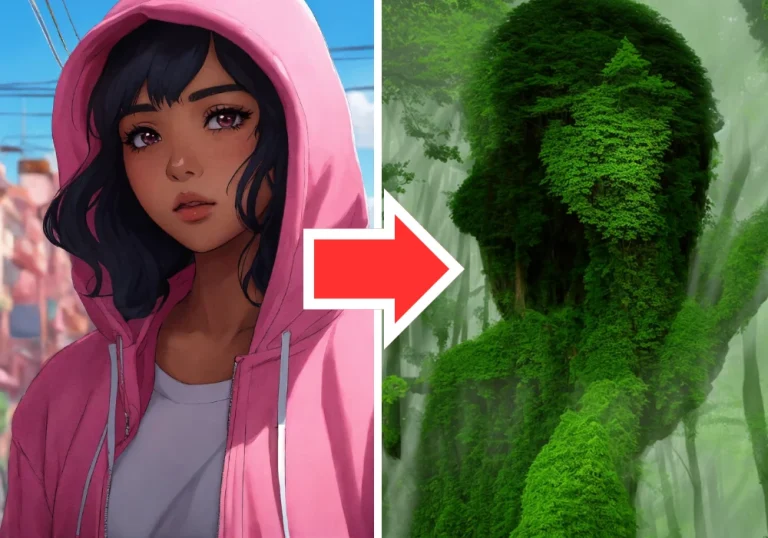
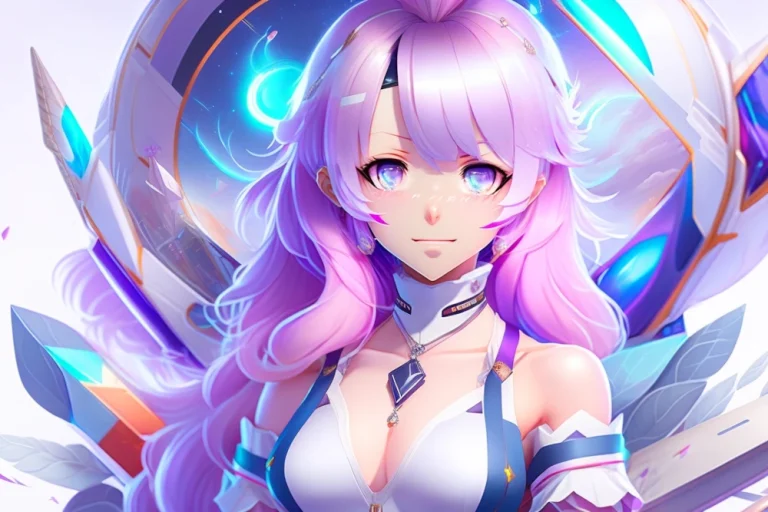
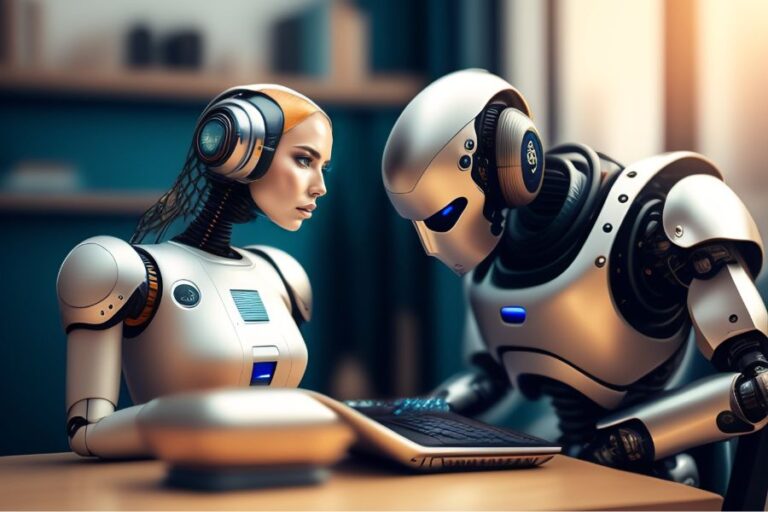
Let me introduce you to NightCafe, the ultimate AI image generator that brings your imagination to life with a splash of magic. With NightCafe by your side, generating unique AI art from text prompts has never been easier or more exciting!

What is NightCafe AI Image Generator?
NightCafe AI Image Generator is an all-in-one tool that uses the power of artificial intelligence to create mesmerizing artworks. Whether you are a professional artist or someone with no artistic skills, NightCafe provides a platform for you to unleash your creativity and produce breathtaking images. Using advanced machine learning algorithms such as Stable Diffusion, DALL-E 2, CLIP-Guided Diffusion, VQGAN+CLIP, Neural Style Transfer, and more, NightCafe can transform simple text prompts or base images into unique and visually stunning artworks.
How Does NightCafe AI Image Generator Work?
NightCafe AI Image Generator offers multiple creation methods to cater to different artistic preferences. The Stable mode, powered by Stable Diffusion technology, allows users to generate AI-generated art from text prompts. Simply input your desired text prompt, select the Stable mode, and NightCafe will generate a series of images based on your input.
Another popular creation method is the DALL-E 2 mode, which utilizes the DALL-E 2 model developed by OpenAI. This mode enables users to turn text inputs into visually striking images. Users can also choose to add a base image to further enhance the output.
NightCafe AI Image Generator also includes Coherent, Artistic, and Style Transfer modes, each offering unique features and creative possibilities. Coherent mode provides users with more control over the output, allowing them to adjust various settings such as aspect ratio, accuracy boosting, and base image layers. Artistic mode is perfect for creating beautiful artistic images, while Style Transfer mode allows users to transform an input image into a different style.
Key Features of NightCafe AI Image Generator
NightCafe AI Image Generator comes with a wide range of features that make it a versatile and powerful tool for creating AI-generated art. Some of the key features include:
- Free Trial: NightCafe offers a free trial that allows users to explore the platform and its capabilities before making a purchase.
- Powerful AI Capabilities: NightCafe leverages state-of-the-art machine learning algorithms to generate high-quality and visually stunning images.
- Text-to-Image AI: With NightCafe, users can input text prompts and watch as the AI transforms them into unique artworks.
- Image-to-Image AI: NightCafe also allows users to enhance and modify existing images using its image-to-image AI capabilities.
- Multiple Creation Modes: NightCafe offers five different creation modes, including Stable, DALL-E 2, Coherent, Artistic, and Style Transfer, providing users with a variety of artistic options.
- Social Media Features: NightCafe includes social media features such as profiles, follows, and likes, allowing users to share their creations and connect with other AI art enthusiasts.
- Print-on-Demand Capabilities: Users can turn their AI-generated artworks into physical products through NightCafe’s print-on-demand services, allowing them to showcase their creations in various forms.
Getting Started with NightCafe AI Image Generator
Using NightCafe AI Image Generator is simple and straightforward. Here is a step-by-step guide to help you get started:
- Sign up or Log in: Visit the NightCafe website and sign up for an account or log in if you already have one.
- Choose a Creation Method: Select your desired creation method from the available options, such as Stable, DALL-E 2, Coherent, Artistic, or Style Transfer.
- Input Text Prompt or Base Image: Depending on the chosen creation method, input a text prompt or select a base image to generate the artwork.
- Customize Settings (Optional): Customize the settings according to your preferences, such as aspect ratio, accuracy boosting, or style selection.
- Generate Artwork: Click the “Create” button and wait for NightCafe to generate the artwork based on your input and settings.
- Review and Modify: Review the generated artwork and make any necessary modifications or adjustments using the available tools and options.
- Save or Share: Once you are satisfied with the artwork, save it to your profile or share it on social media platforms to showcase your creation to others.
Benefits of Using NightCafe AI Image Generator
NightCafe AI Image Generator offers numerous benefits that make it a valuable tool for artists and art enthusiasts:
- Accessibility: NightCafe democratizes the creation of AI art by providing a user-friendly platform that can be used by anyone, regardless of their artistic skills or background.
- Creativity Unleashed: With NightCafe, users can explore their creative side and produce unique artworks that reflect their imagination and ideas.
- Wide Range of Styles: NightCafe offers a diverse range of artistic styles, allowing users to create artworks that align with their preferred aesthetic.
- Print-on-Demand Services: NightCafe’s print-on-demand capabilities enable users to turn their digital artworks into physical products, such as prints, t-shirts, or stickers.
- Community Interaction: NightCafe’s social media features foster a vibrant community of AI art enthusiasts, allowing users to connect, share, and gain inspiration from others.
- Continuous Improvement: NightCafe regularly updates its AI models and algorithms, ensuring that users have access to the latest advancements in AI art generation.
Pricing and Credits
NightCafe offers a flexible pricing model that allows users to choose the plan that best suits their needs. The platform provides a free trial that grants users access to a limited set of features and credits. Once the trial period is over, users can opt for a monthly subscription plan that provides additional credits and access to premium features.
NightCafe utilizes a credit system, where each artwork generation consumes a certain number of credits. Users can purchase additional credits if needed or earn free credits by participating in the NightCafe community, such as posting their artworks on social media or receiving likes on their published works.
Our thoughts on Nightcafe
NightCafe AI Image Generator is a powerful and user-friendly tool that enables users to create stunning and unique artworks using the power of artificial intelligence. Whether you are an experienced artist or someone exploring your creative side, NightCafe offers a wide range of features and creation modes to suit your artistic preferences. With its print-on-demand services and social media features, NightCafe provides a platform for artists to showcase their creations and connect with a vibrant community of AI art enthusiasts. Start your creative journey with NightCafe AI Image Generator and unlock the limitless possibilities of AI-generated art.
Nightcafe AI Photo Generator Alternatives